Baby Halloween Costume Ideas to Try with AI
A familiar shape, an uncovered face and a simple color palette make a baby costume easy to recognize. Browse the actual costume catalog below, then preview a digital outfit before planning a real photo session.
Classic Halloween, without the scare
Pumpkin, little ghost, bat, black cat, witch and wizard outfits carry the seasonal theme without needing a frightening scene. Skeleton-print onesies, a soft mummy, a spider or a tiny vampire can also read as playful when the face stays visible and the lighting stays warm. A printed pattern often looks clearer than many small accessories.
Animals and food-inspired outfits
A dinosaur, bee, lamb, chick, bear or lion gives the portrait a recognizable silhouette. Candy corn, avocado and pea-pod costumes offer another direction for a colorful keepsake. Pick a quieter background when the outfit already has strong shapes. These are generic outfit concepts, not branded character costumes.
Storybook details
Fairy wings, a pumpkin carriage and a friendly scarecrow suit can work with watercolor or clay-style scenes. Keep extra instructions short: one lighting request and one color preference is usually clearer than several competing settings. The costume tool can keep your original background when you want to focus on the clothes.
AI preview versus a real costume
A generated image does not show whether a garment exists, fits or is safe. It may invent seams, fastenings or props. For a real outfit, follow the garment’s age guidance and check with the child’s caregiver; do not treat an AI picture as a safety demonstration. Our costume try-on is a digital edit, not a shopping or medical recommendation.
Try one idea first
Upload a single clear photo in the costume tool, select an outfit and compare the finished face and pose with the reference. New registered accounts can use their one free image for this preview. Only combinations actually generated by us appear as example photos; icon cards describe other available choices.
All available costume choices
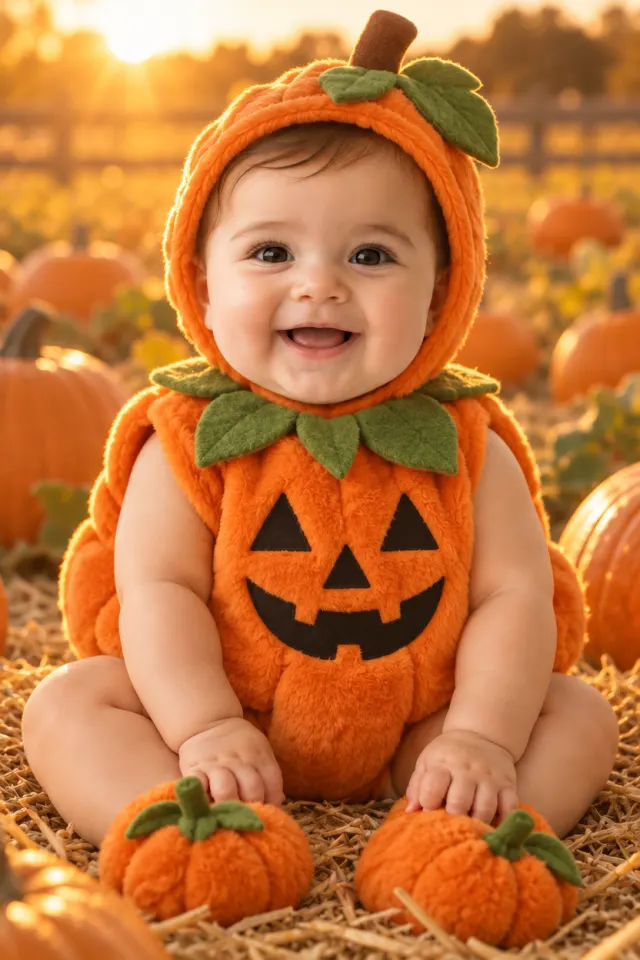 Pumpkin
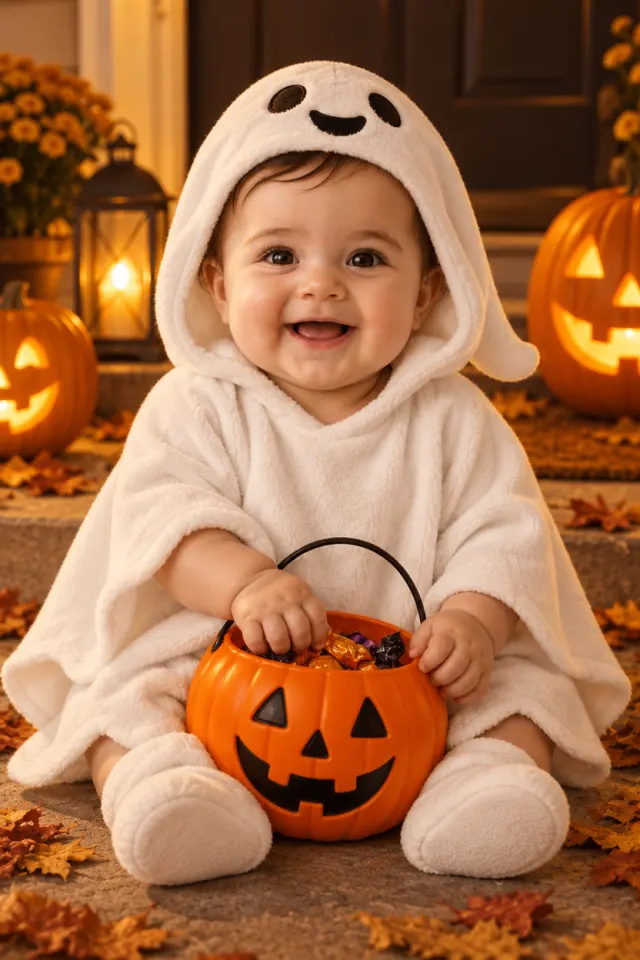 Little ghost
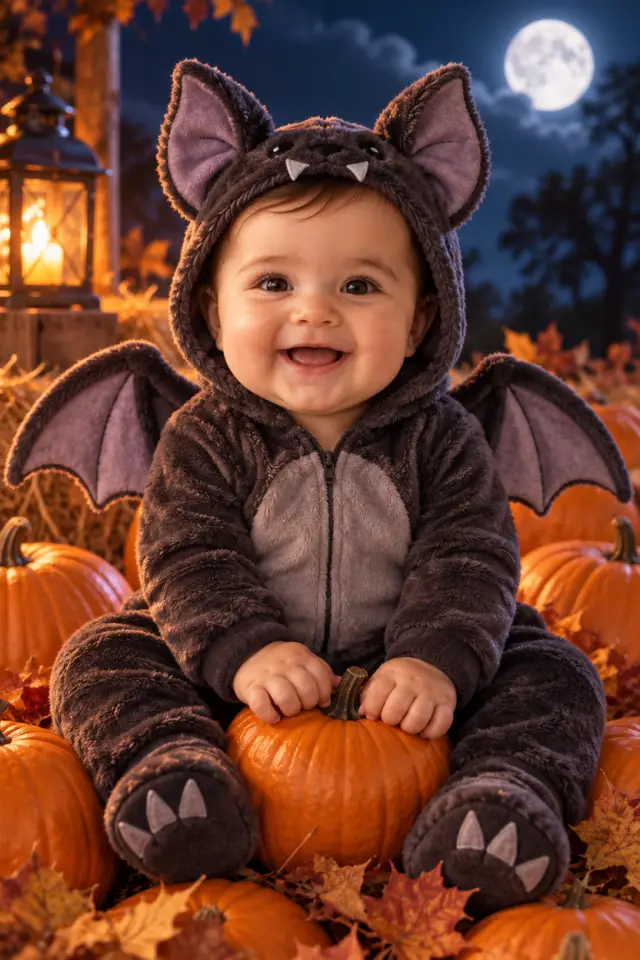 Bat
Bat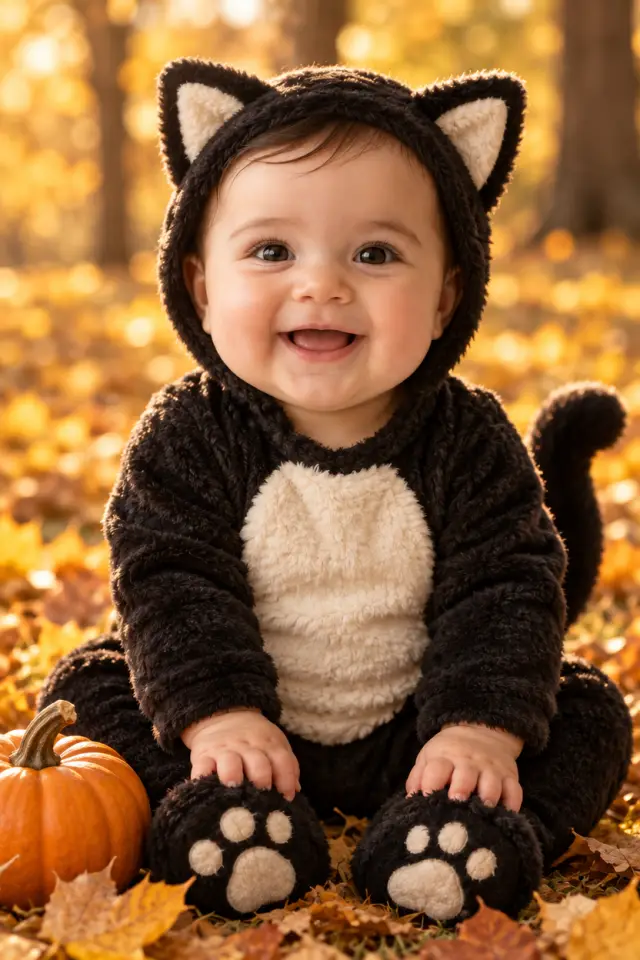 Black cat
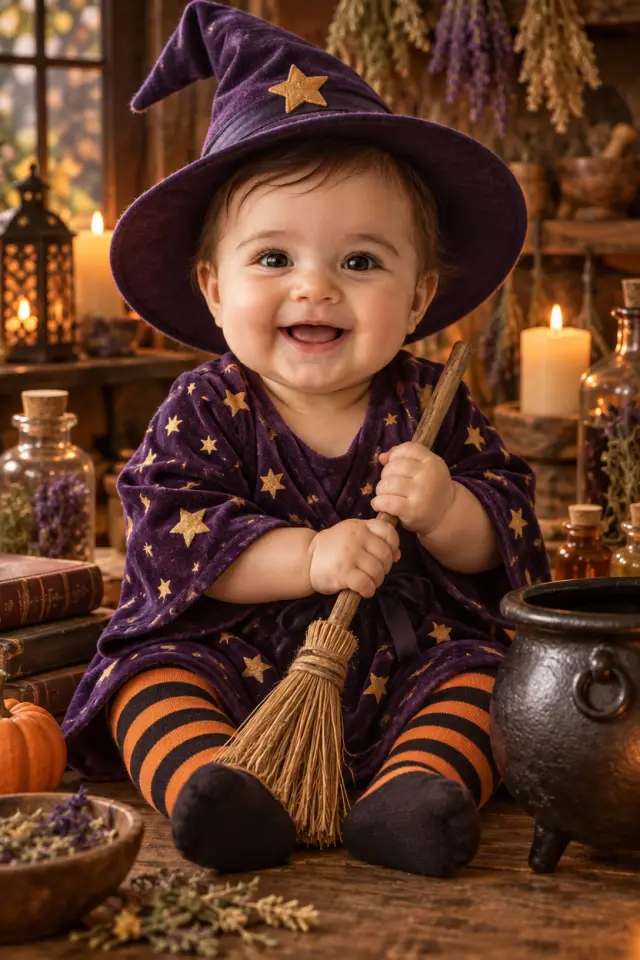 Witch
Witch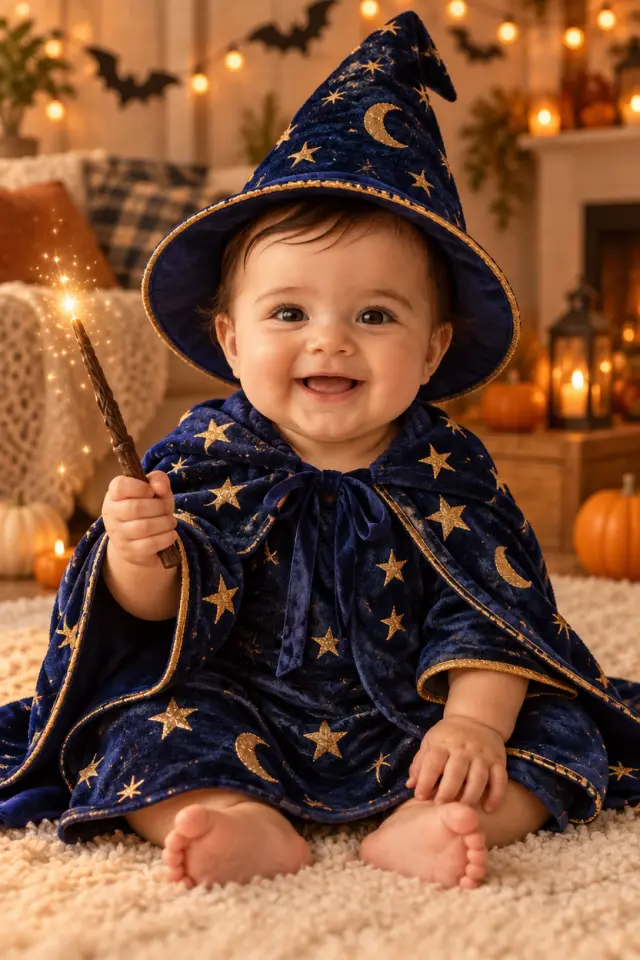 Little wizard
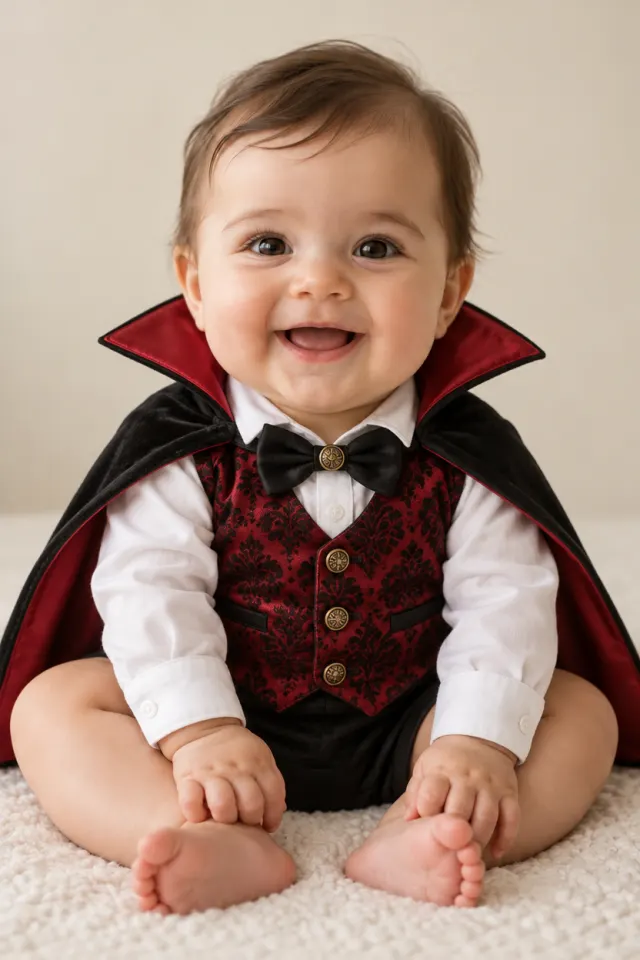 Little vampire
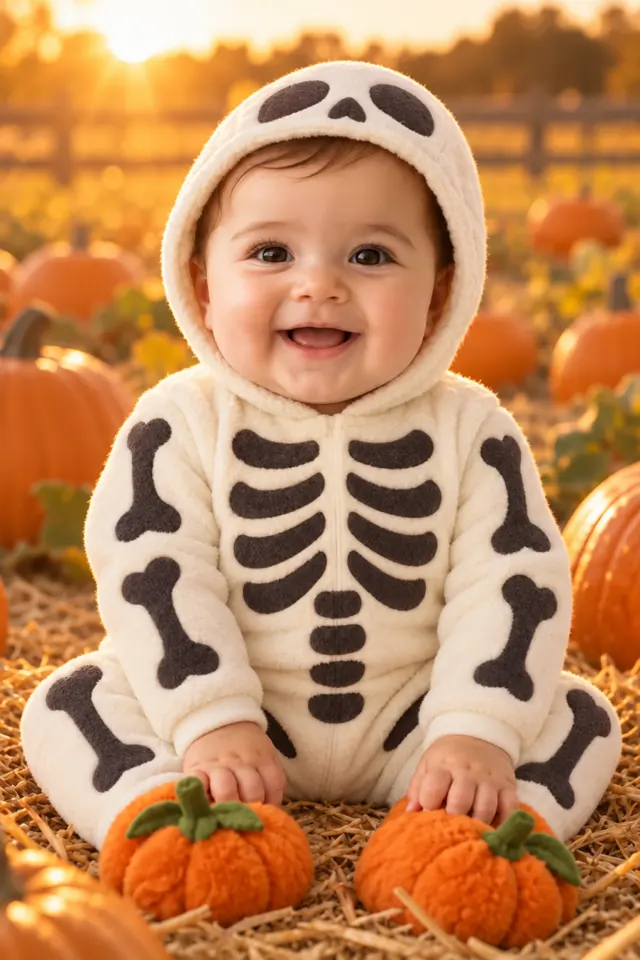 Skeleton onesie
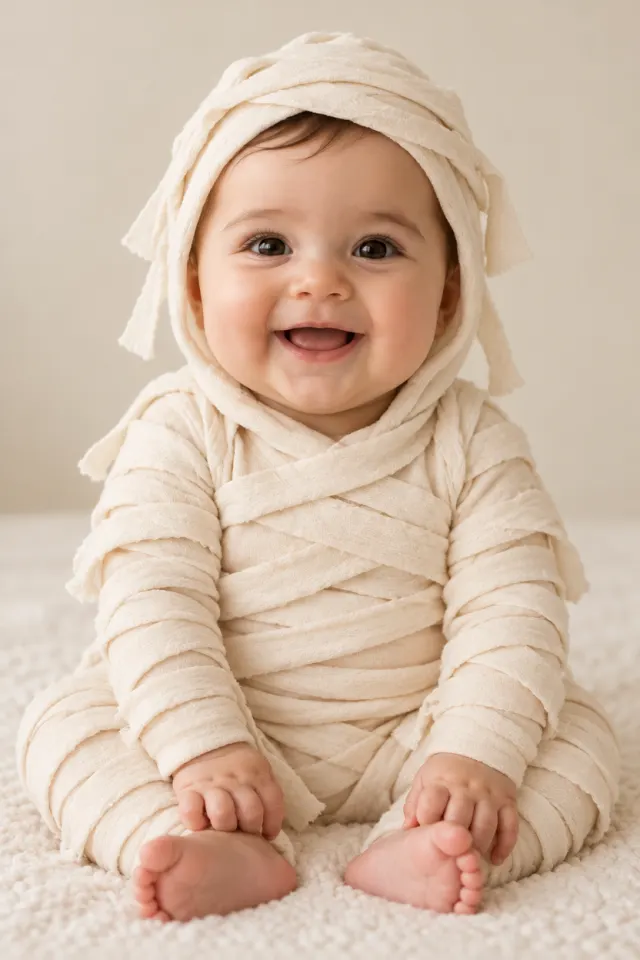 Soft mummy
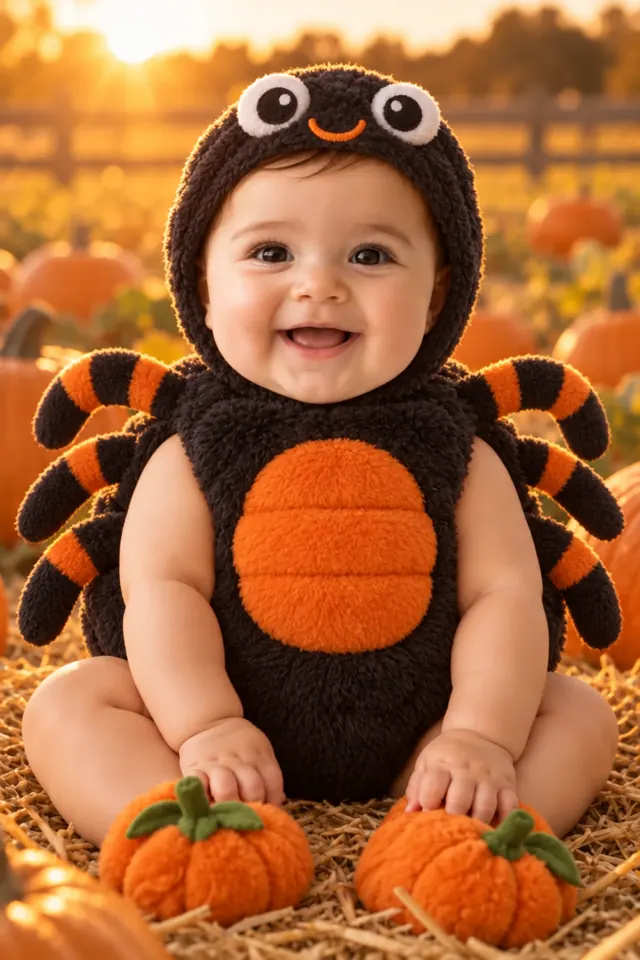 Spider
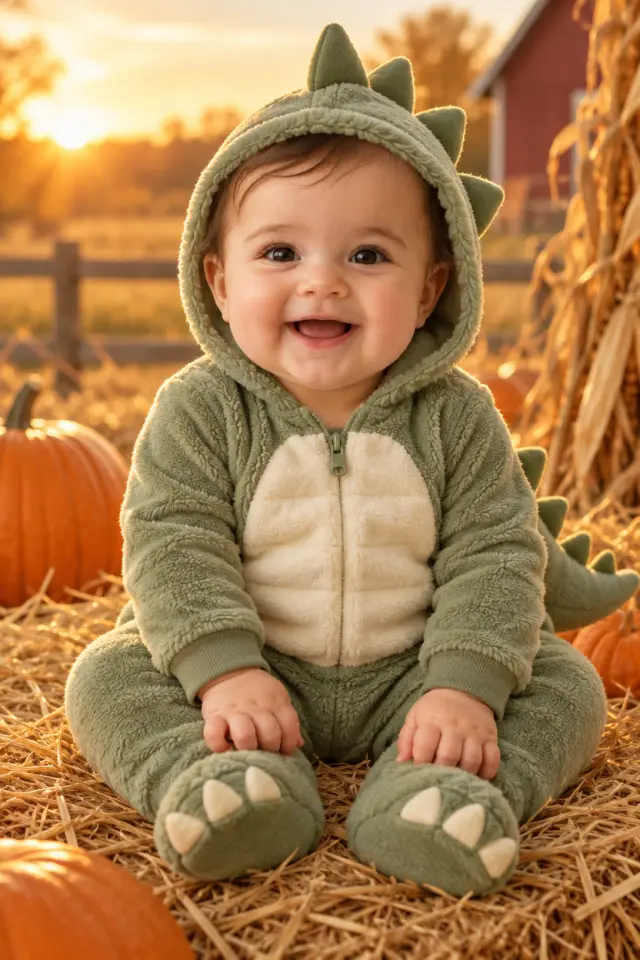 Dinosaur
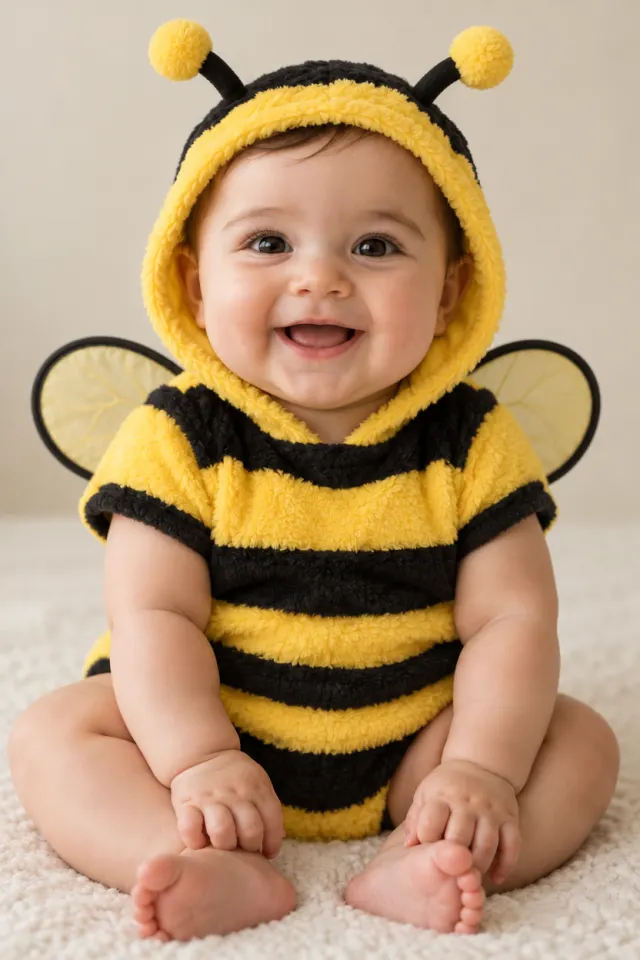 Little bee
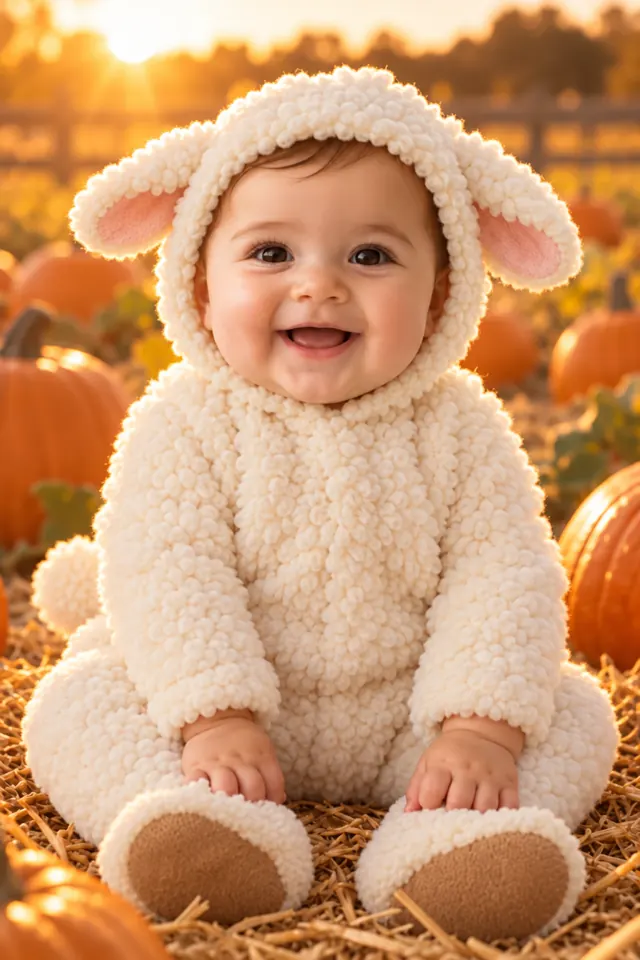 Lamb
Lamb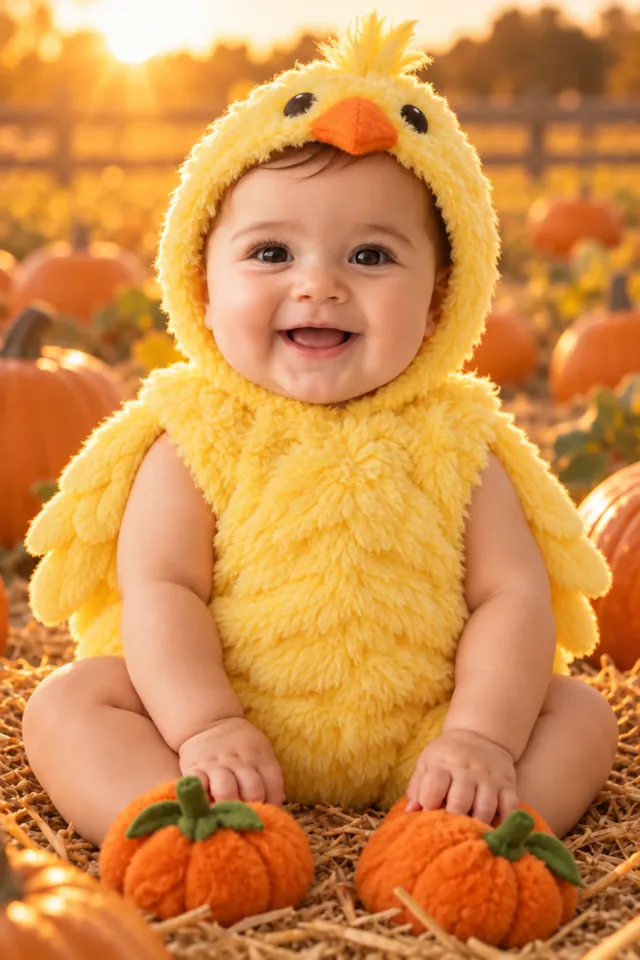 Chick
Chick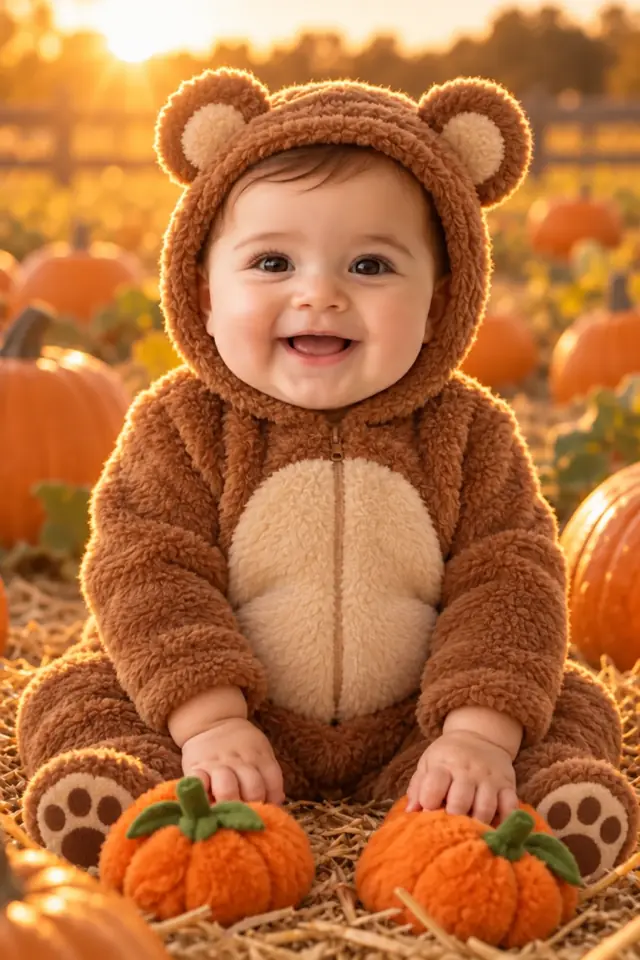 Bear
Bear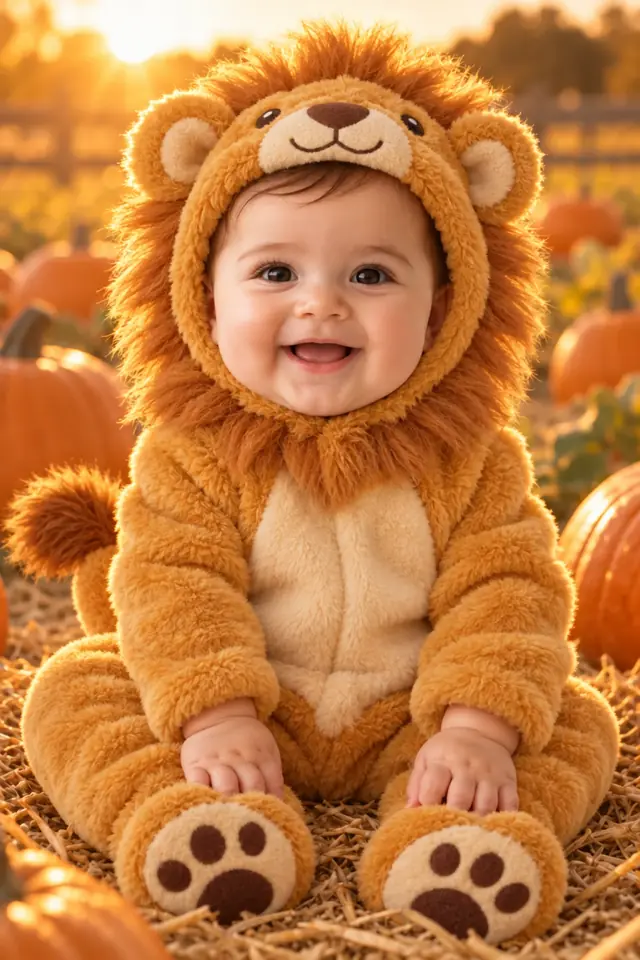 Lion
Lion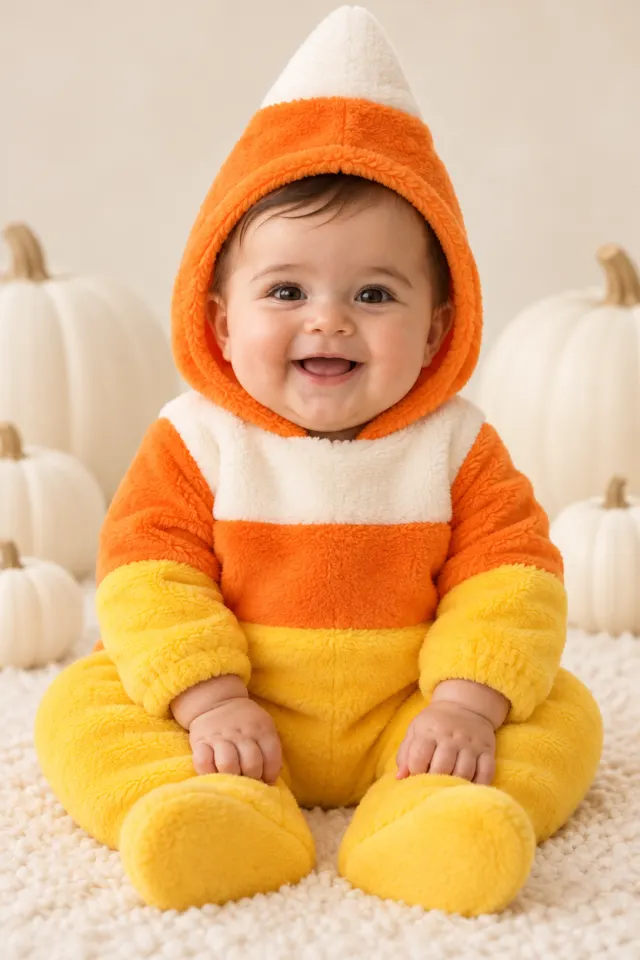 Candy corn
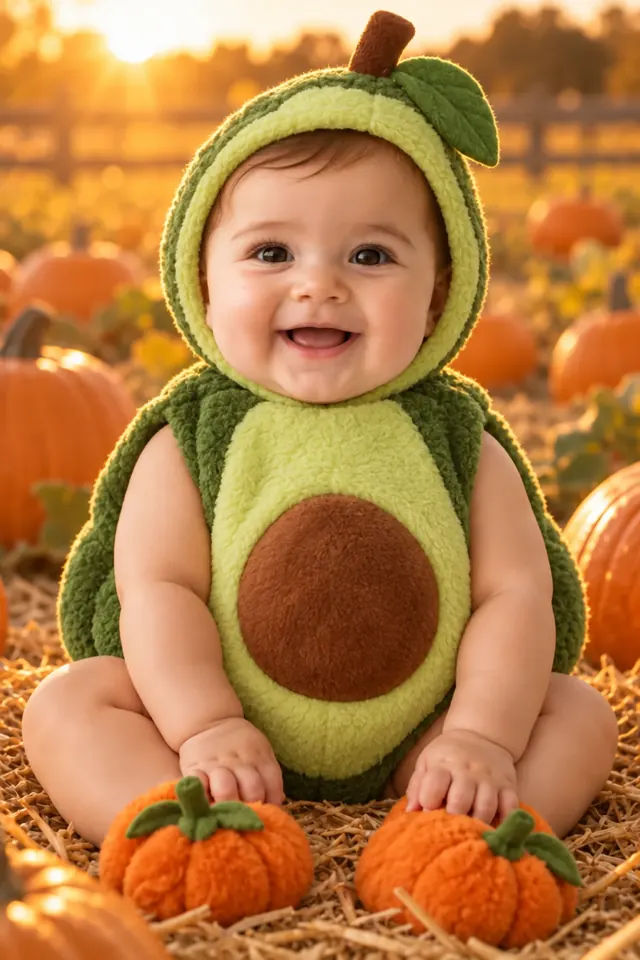 Avocado
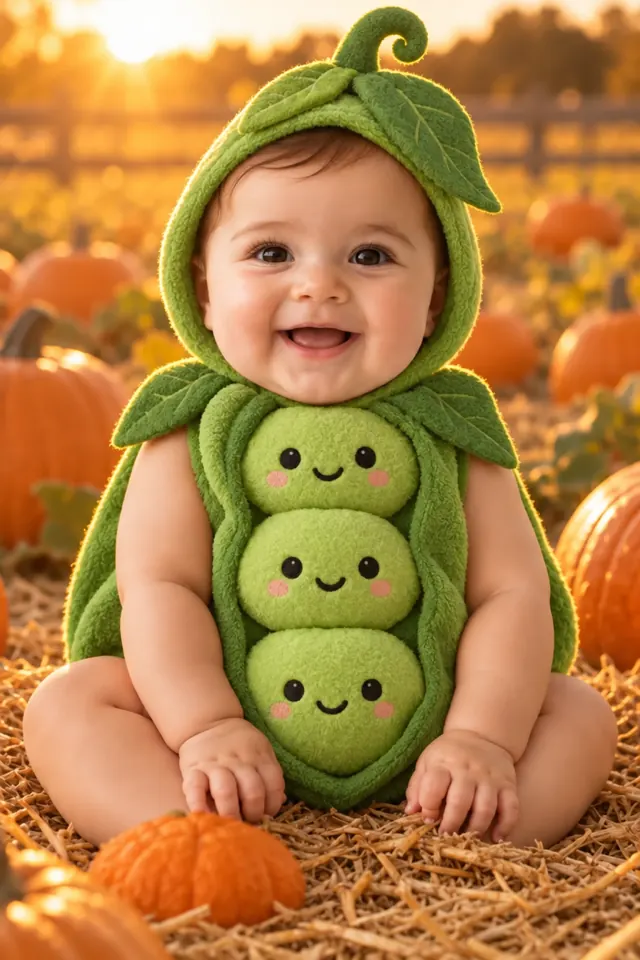 Pea pod
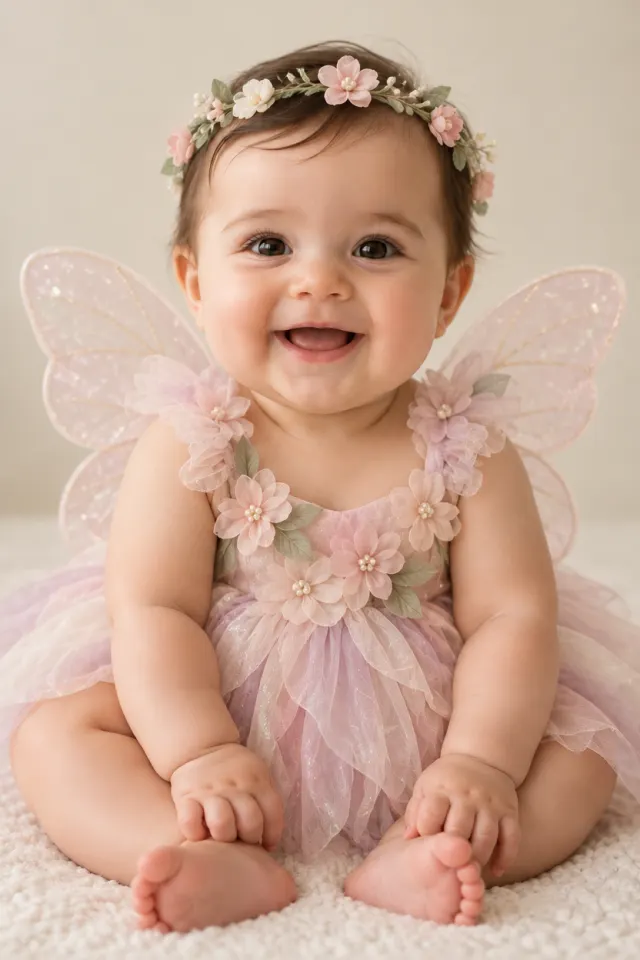 Fairy
Fairy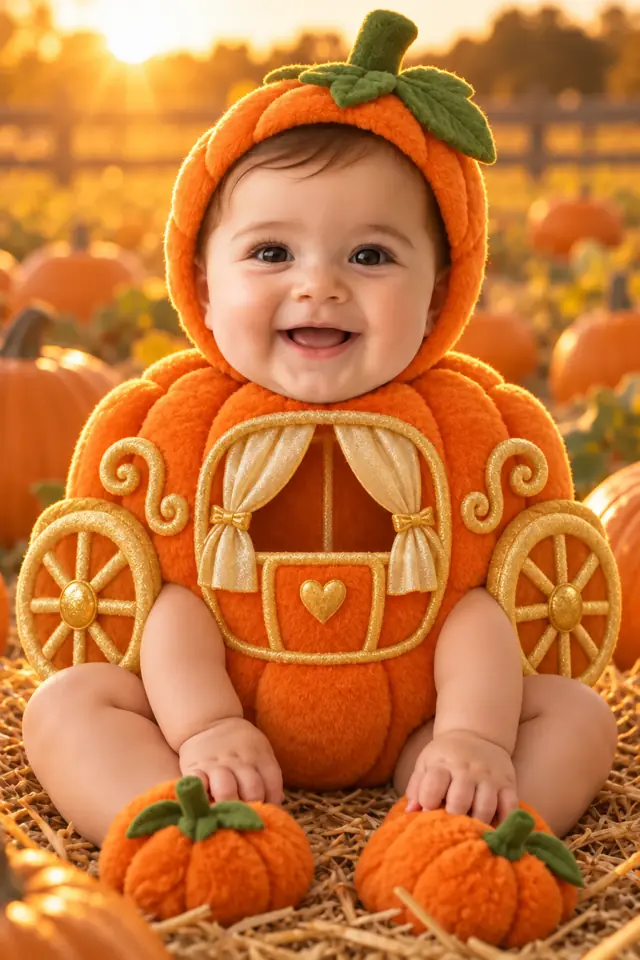 Pumpkin carriage
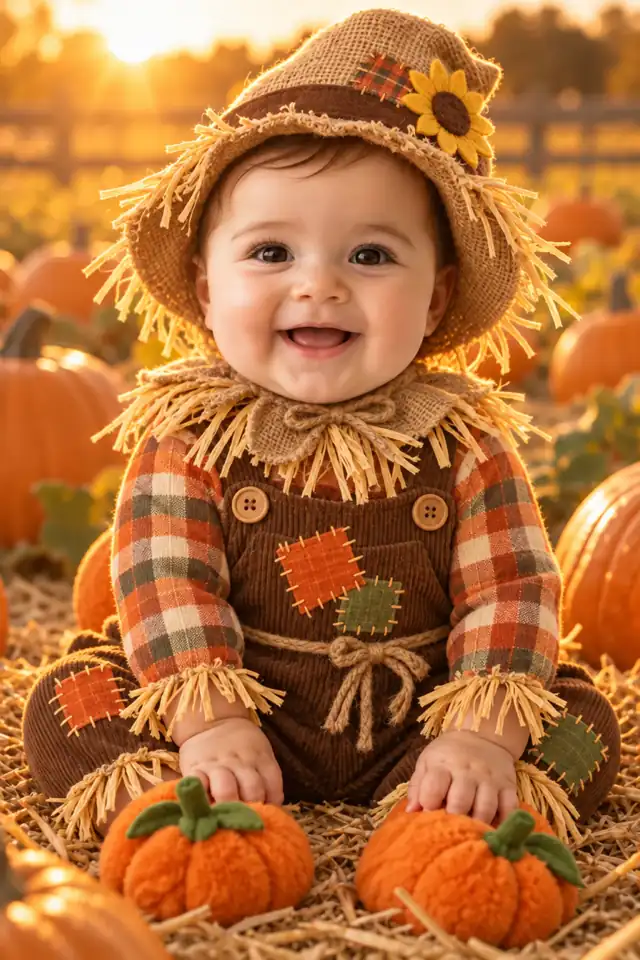 Scarecrow
All pictured babies are fictional AI examples.
Questions before you create
Can I try it for free?
A new registered account gets one free image, usable for a Halloween portrait or a costume try-on. Further images use paid credits. Video generation always requires paid credits. The generator shows the cost before you submit.
Do the photos need to show the same baby?
Yes. For portraits and videos, upload one to three clear photos of the same baby from different angles. Costume try-on uses one photo. Multiple children in one creation are not supported.
Can I change just the clothes?
Use the dedicated baby Halloween costume tool. Choose one photo and an outfit, then select whether to keep the original background. AI may still alter small details, so inspect the result before sharing.