AI Halloween baby
photos & videos
A tiny pumpkin. Their familiar smile. Make a Halloween keepsake from your baby photos.
Your first registered image is free. Videos use paid credits.
Little looks, big Halloween energy
Fictional AI babies. Your own keepsake starts with your photos.
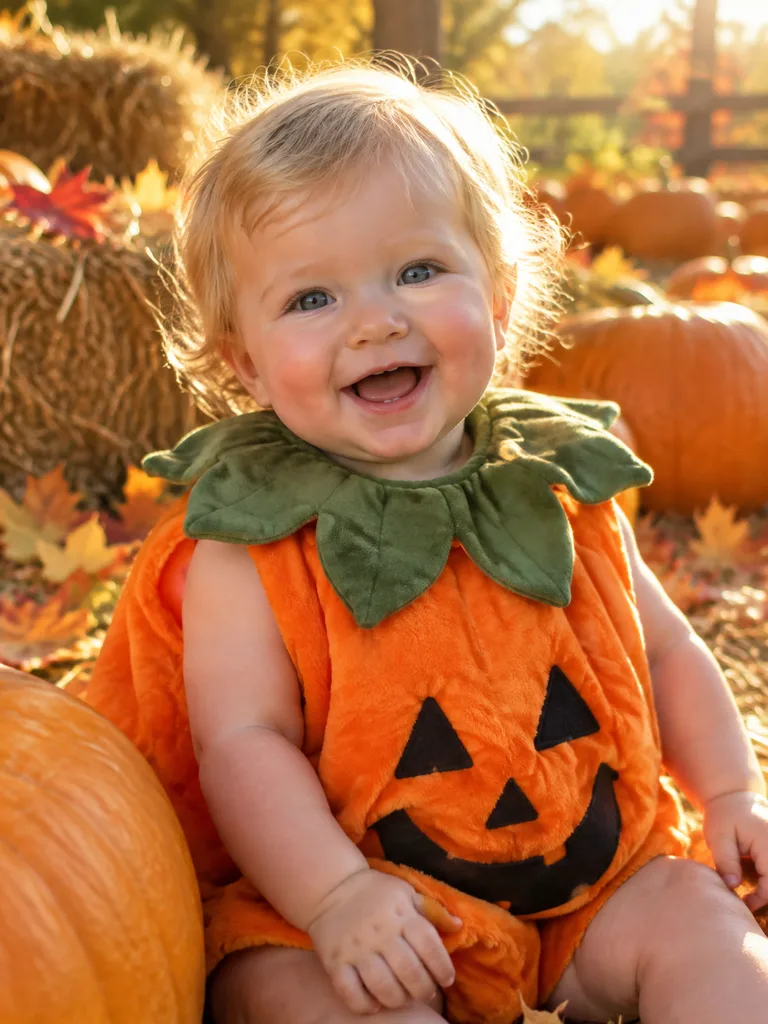
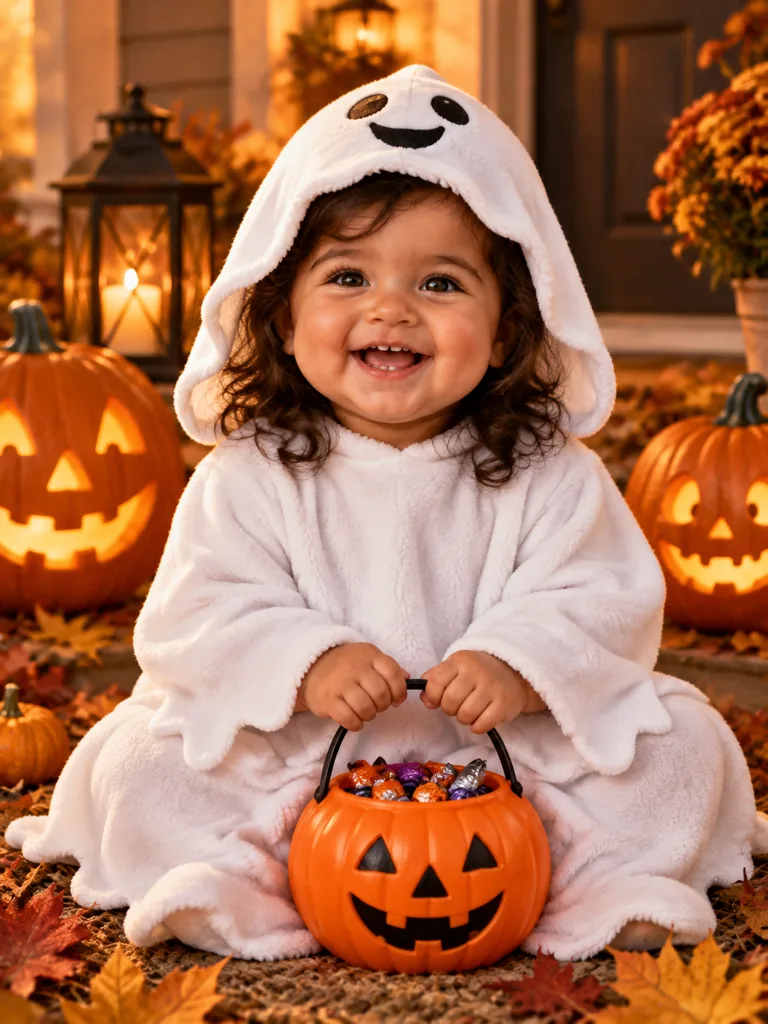
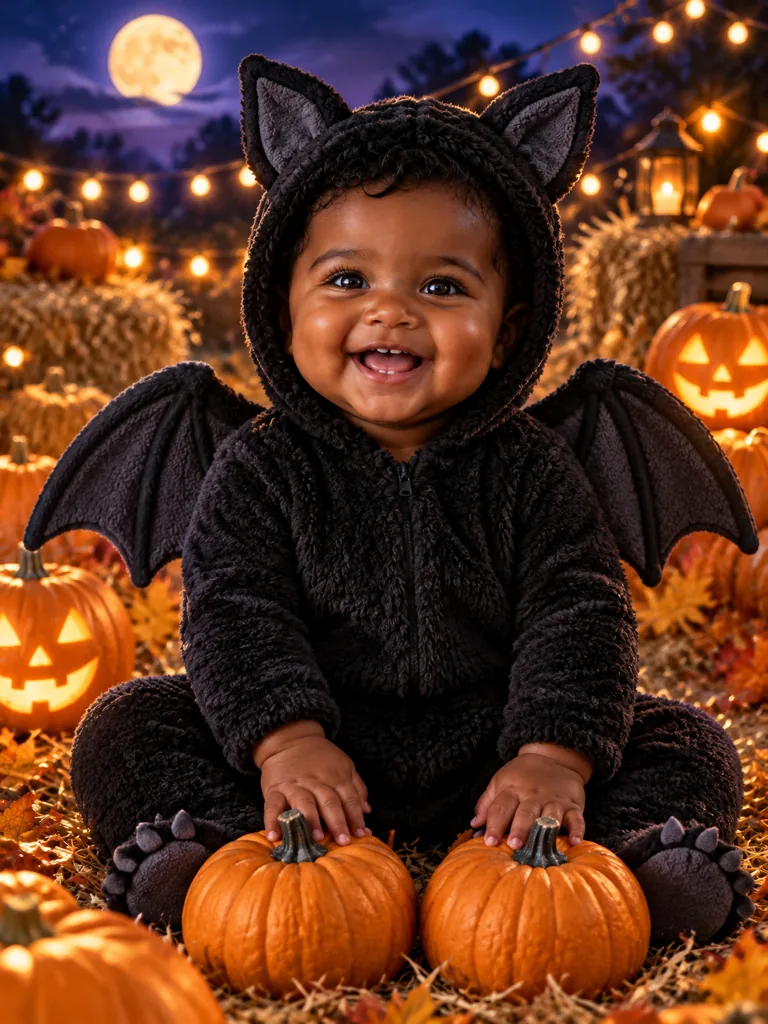
Our generated examples feature fictional AI babies. Your result will vary.
Make it their kind of cute
Explore 22 generic costumes, 10 settings and 6 styles. Choose a realistic studio portrait or a softer illustrated look. Results vary with the photo and combination.
A little help before you create
Make a Halloween video
Start with a clear photo of one baby and turn a Halloween portrait into a short animated keepsake. The tool handles the image-to-video steps; you choose the look and review the result.
Costume ideas
A familiar shape, an uncovered face and a simple color palette make a baby costume easy to recognize. Browse the actual costume catalog below, then preview a digital outfit before planning a real photo session.
First Halloween photo ideas
A first Halloween keepsake does not need an elaborate set. A simple portrait can become a pumpkin-patch scene, a warm studio photo or a storybook illustration while keeping the focus on the baby.
Before their first creation
What is AI Halloween Baby?
AI Halloween Baby creates Halloween portraits, costume previews and short animated videos from your baby photos. Choose a costume, setting and style, then add optional details. Every result is an AI interpretation rather than a real photograph of an event.
Can I try it for free?
A new registered account gets one free image, usable for a Halloween portrait or a costume try-on. Further images use paid credits. Video generation always requires paid credits. The generator shows the cost before you submit.
Do the photos need to show the same baby?
Yes. For portraits and videos, upload one to three clear photos of the same baby from different angles. Costume try-on uses one photo. Multiple children in one creation are not supported.
Can I change just the clothes?
Use the dedicated baby Halloween costume tool. Choose one photo and an outfit, then select whether to keep the original background. AI may still alter small details, so inspect the result before sharing.
What makes the video move?
The video workflow first creates a styled frame through Seedream, then animates it with Seedance through EvoLink. Pick a gentle movement such as waving. A successful frame does not guarantee a successful video; final results can vary.
Who can upload a baby photo?
You must be an adult and the child’s parent or legal guardian, or have that guardian’s permission. Confirm this before submitting. Do not upload photos of children you do not have permission to represent.
Are the example babies real customers?
No. Public examples use fictional AI-generated babies. Your uploads are not submitted to a public gallery. See the privacy policy for how generation providers process your photos.
Will the baby look exactly the same?
AI can change facial details, hands, clothing and proportions. Clear, evenly lit reference photos help, but identity preservation is not guaranteed. Review the face, hands and costume before saving or sharing.